Prepper Disk: Your Complete Guide to Offline Survival Information Storage
When Hurricane Helene knocked out power and cell service across the Southeast in 2024, thousands of people suddenly lost access to the information they needed most: how to purify water, treat injuries, and communicate for help. A prepper disk is designed to solve exactly this problem by providing offline access to Wikipedia, maps, medical guides, and survival resources when the grid goes down.
Modern life has made us dependent on instant access to information, but that access disappears the moment infrastructure fails. Whether you're facing a natural disaster, living off-grid, or planning for long-term emergencies, you need reliable access to critical knowledge that doesn't depend on cell towers or internet connections.
This guide explains everything you need to know about prepper disks: what they are, how they work, what content they contain, and whether you need one. We'll cover commercial options, DIY alternatives, real-world use cases, and honest assessments of limitations so you can make an informed decision for your preparedness strategy.
You'll learn the technical specifications, content breakdown, power requirements, and practical applications, plus comparisons with alternatives like physical books and smartphone apps to help you choose the right solution.
What Is a Prepper Disk? Understanding Offline Information Storage
The Basic Concept: Your Personal Offline Internet
A prepper disk is essentially a portable device that creates its own Wi-Fi network to serve offline content to your phones, tablets, and laptops. Think of it as having a comprehensive library in your pocket that broadcasts information to all your devices. No internet, cell service, or subscription required.
Unlike cloud-based services or streaming platforms that depend on infrastructure, a prepper disk is a completely self-contained information system. When the power grid fails, cell towers go down, or you're operating in remote locations beyond service range, you simply power on the device and connect to it like any other Wi-Fi network. Every device in your family can access the same information simultaneously.
The technology isn't complicated. At its core, most commercial prepper disks run on Raspberry Pi hardware loaded with 256GB to 512GB of carefully curated survival and reference content. But what makes them valuable isn't just the hardware. It's the comprehensive collection of offline knowledge that addresses real emergency needs.
How It Works: The Technical Side Made Simple
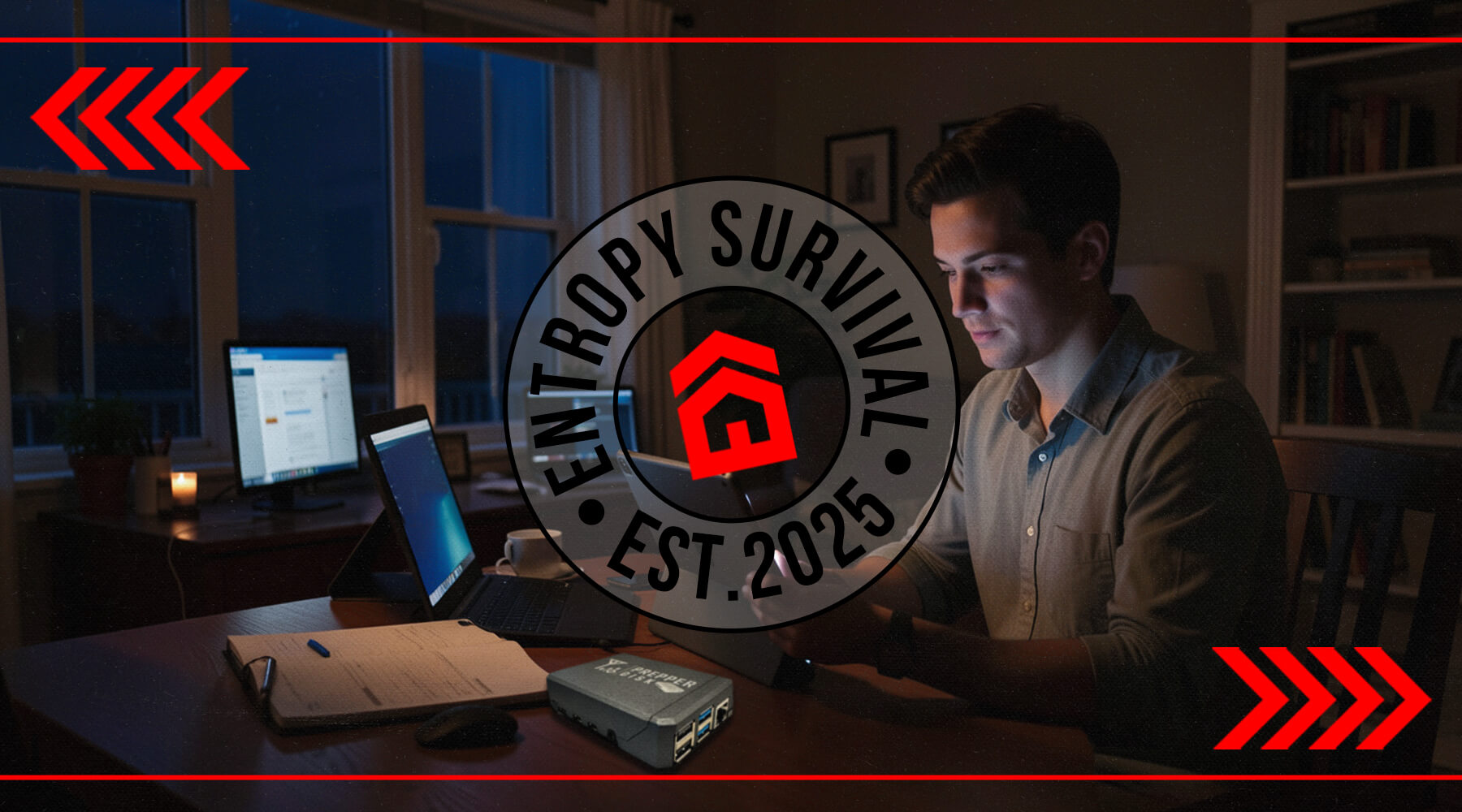
Using a prepper disk requires no technical expertise. You plug it into a wall outlet or USB battery bank, and the device boots up within about 30 seconds, automatically creating a Wi-Fi hotspot. You'll see a network called something like "Prepper Disk" appear on your available Wi-Fi connections.
Connect any Wi-Fi-enabled device (iPhone, Android, tablet, laptop) to that network. No password is typically required, though some models allow you to set one. Once connected, open your web browser and you'll automatically be directed to the prepper disk's interface. From there, you can browse content through a simple web-based interface. No special apps, no software installation, no configuration.
The system supports up to 20 concurrent users, making it ideal for family use or small community emergency response centers. During a power outage at home, you can set up the prepper disk powered by a battery bank, and everyone in your household can access medical information, repair guides, or maps from their own devices.
Real-world scenario: You're camping in a remote area when someone in your group develops concerning symptoms. No cell service exists for 40 miles. You power up your prepper disk from a portable battery, connect your phone, access the WikiMed medical database, and identify the issue as a brown recluse spider bite. The medical guides walk you through immediate treatment steps while you prepare to drive to the nearest hospital.
Hardware Specifications and Build Quality
Commercial prepper disk units typically use a Raspberry Pi 4B with 2GB RAM as the computing platform. This is proven technology that's been tested in millions of applications worldwide. The hardware comes housed in a rugged aluminum case with passive cooling (no fans to fail), making it more durable than most consumer electronics.
Storage capacity varies by model. Premium versions pack 512GB of content onto a high-quality SD card, while classic versions offer 256GB. The entire unit measures approximately 3.5 inches by 2.75 inches by 1 inch. That's smaller than a deck of cards and lighter than most smartphones.
For perspective, you could easily fit a prepper disk in a go-bag alongside your emergency supplies without noticing the weight. It's smaller than a paperback book yet contains more information than you could carry in a pickup truck full of encyclopedias. The aluminum case provides protection against drops and impacts that would destroy a typical external hard drive.
What's Inside: Complete Content Breakdown
Core Reference Content
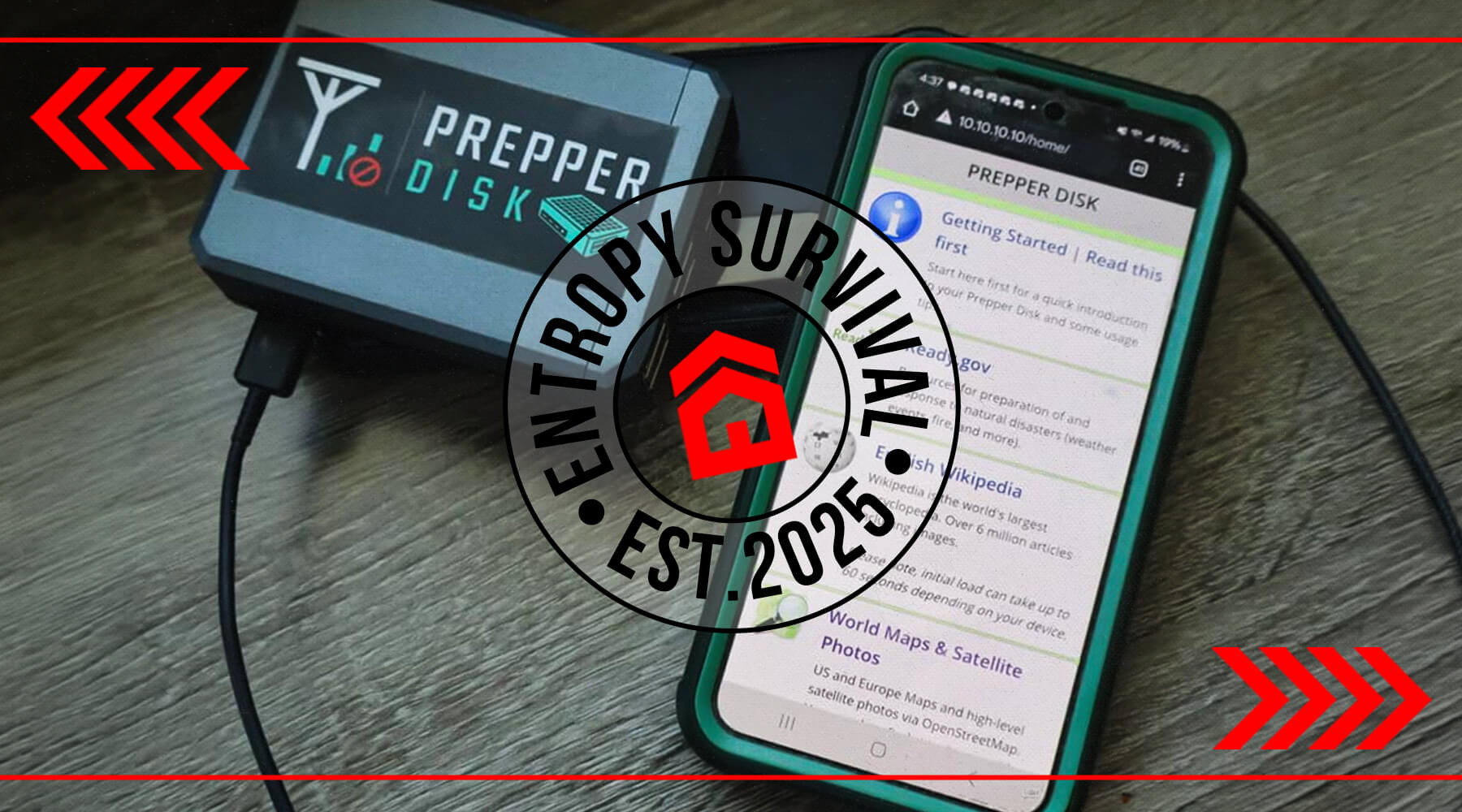
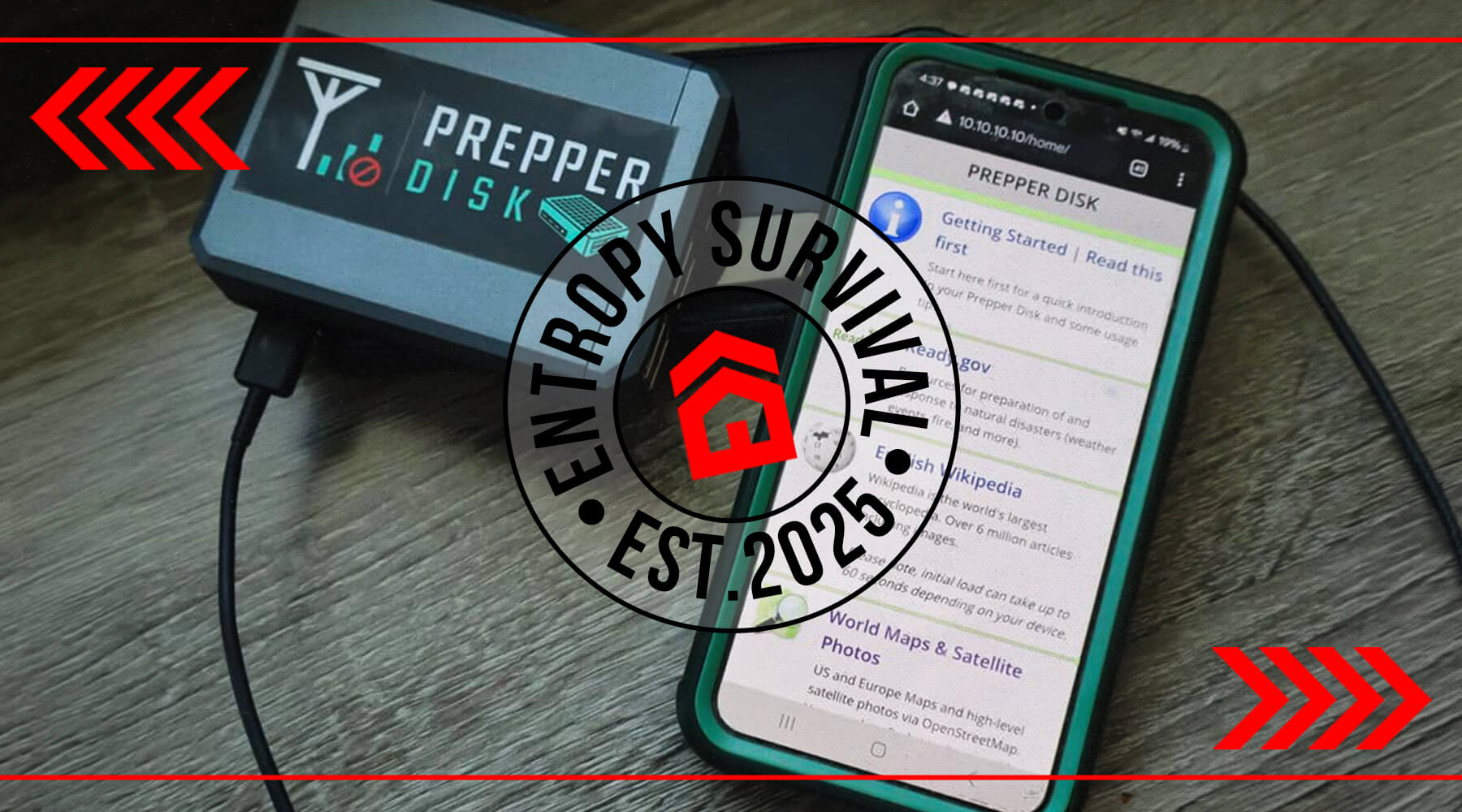
The foundation of any prepper disk is offline Wikipedia access. Commercial versions typically include the complete English Wikipedia: over 6 million articles with images, compressed down to approximately 100GB. That's every article you've ever looked up online, from detailed plant identification to mechanical repair techniques, available without internet.
Maps represent another critical component. Street-level mapping data for North America, Europe, and Oceania provides navigation capability when GPS services fail or you're operating in areas without cell coverage. Many prepper disk versions also include satellite imagery, giving you visual references for terrain, landmarks, and route planning. Unlike smartphone map apps that require periodic online updates, these maps work indefinitely offline.
The Project Gutenberg library adds 60,000+ public domain books to your offline library. This isn't random content. It includes essential survival, trapping, foraging, and homesteading guides published before the digital age. Think classic wilderness survival manuals, historical agricultural techniques, traditional medicine references, and practical how-to books that have proven their value over generations.
Medical and Emergency Resources
When medical emergencies strike during disasters, having reliable medical information becomes literally life-saving. Prepper disks include WikiMed and MDWiki databases containing over 50,000 healthcare articles covering conditions, medications, treatments, and emergency procedures.
The medical content isn't limited to general reference material. You'll find US Army Medical Manuals detailing battlefield surgery techniques, National Institutes of Health content on diseases and conditions, and practical guides for managing medical situations when professional help isn't immediately available.
Real-world application: A sailor shared his experience using a prepper disk when crew members developed symptoms during a multi-week passage. Below deck where Starlink satellite internet couldn't penetrate, he accessed the medical database on the prepper disk, identified shingles, and followed treatment protocols until they could reach port.
The Ready.gov content from FEMA covers disaster preparation for specific scenarios: hurricanes, floods, wildfires, biohazards, and terrorist attacks. This official government guidance provides checklists, procedures, and response protocols for coordinating emergency responses.
Practical How-To and Repair Guides
WikiHow's 90,000+ articles transform into an offline survival manual covering shelter building, water purification, signaling for rescue, food preservation, and growing techniques. These aren't theoretical articles. They're step-by-step visual guides with illustrations showing exactly how to perform critical tasks.
The iFixit repair guide collection addresses another often-overlooked emergency need: fixing things when replacement isn't possible. Automotive repairs, appliance troubleshooting, electronics repair. When professional technicians aren't available and you need to get a generator running or repair a water pump, these guides provide detailed instructions with photos.
Stack Exchange Q&As on automotive repair, carpentry, and sustainable living add crowdsourced practical knowledge from people who've actually done the work. These community-verified solutions often include multiple approaches to solving the same problem, letting you choose based on available tools and materials.
Specific example: Your vehicle's water pump fails during an evacuation. Cell towers are overwhelmed. You access the automotive repair section, find the exact model, and follow step-by-step replacement instructions with torque specifications and tool requirements. A repair that would have stranded you becomes manageable.
Specialized and Exclusive Content
Educational content includes TED Talks on farming and natural disasters, plus Khan Academy videos covering mathematics, science, and practical skills. During extended emergencies when children are out of school, this content maintains educational continuity.
For communication during grid-down scenarios, the amateur radio (HAM) repeater database covering the US and Canada from RepeaterBook provides frequencies and locations for emergency communications. Combined with a ham radio setup, this information enables long-distance communication when cell networks fail.
Exclusive features on commercial prepper disks often include tools like Morse code translators and signalers, emergency phrase translators covering six languages for international travel or diverse communities, and detailed US National Park maps for backcountry navigation.
Real-World Use Cases: When You Actually Need a Prepper Disk
Natural Disaster and Grid-Down Scenarios
The 2024-2025 disaster season demonstrated infrastructure vulnerability on a scale many Americans hadn't experienced. Hurricane Helene destroyed cell towers and power infrastructure across multiple states, leaving communities without communication or information access for weeks. The Los Angeles fires showed how quickly infrastructure becomes overwhelmed during mass evacuations.
During Hurricane Helene, reports indicated cell service remained down in some mountain communities for over three weeks. People couldn't Google how to purify river water. They couldn't look up whether specific wild plants were edible. They couldn't access medication interaction information when dealing with injuries.
A prepper disk addresses exactly these scenarios. When you lose power but have a battery bank or generator, the prepper disk provides the information infrastructure your family needs. Water purification techniques, first aid protocols, food preservation methods, basic repair instructions, all accessible offline.
The timeline matters here. Most people prepare for 72-hour emergencies. But recent disasters have shown that infrastructure restoration often takes weeks, not days. Having continuous access to reference information for extended periods becomes crucial for maintaining safety and sanitation.
Off-Grid Living and Remote Activities
Beyond disaster scenarios, prepper disks serve anyone operating beyond reliable internet access. Overlanders traveling through remote regions, particularly in the American West, regularly encounter hundreds of miles without cell coverage. When your vehicle needs repair in the Nevada backcountry, that automotive database becomes invaluable.
Sailors and boaters operating beyond coastal range face similar challenges. While Starlink satellite internet provides offshore connectivity, it fails below deck or under canopy. A prepper disk works anywhere you can power it, providing navigation data, weather information, and emergency procedures without line-of-sight to satellites.
Homesteaders and off-grid property owners often have limited or unreliable internet. When you're troubleshooting a solar power system issue or dealing with livestock health problems, having comprehensive reference material offline means you're not driving 45 minutes to town for internet access.
One overlander described using his prepper disk's mapping capability to navigate after losing GPS signal deep in Utah's canyon country. The offline satellite imagery helped identify landmarks and alternative routes when the primary trail became impassable.
Educational and Community Applications
Prepper disks see adoption beyond individual preparedness. Schools in developing countries without internet infrastructure use similar technology to provide students with Wikipedia access and educational content. A school in Kenya reported transformational educational outcomes after implementing offline content servers.
Municipal emergency response centers and fire departments have started including offline information systems in their preparedness plans. When coordinating disaster response, having a centralized information resource that works without internet proves invaluable for training and reference.
Families traveling internationally find prepper disks useful for entertainment and education. Load it with movies, music, and books, and you have an offline media server that doesn't depend on hotel Wi-Fi or data plans. The phrase translator helps navigate foreign countries where language barriers exist.
Prepper Disk vs. Alternatives: Making the Right Choice
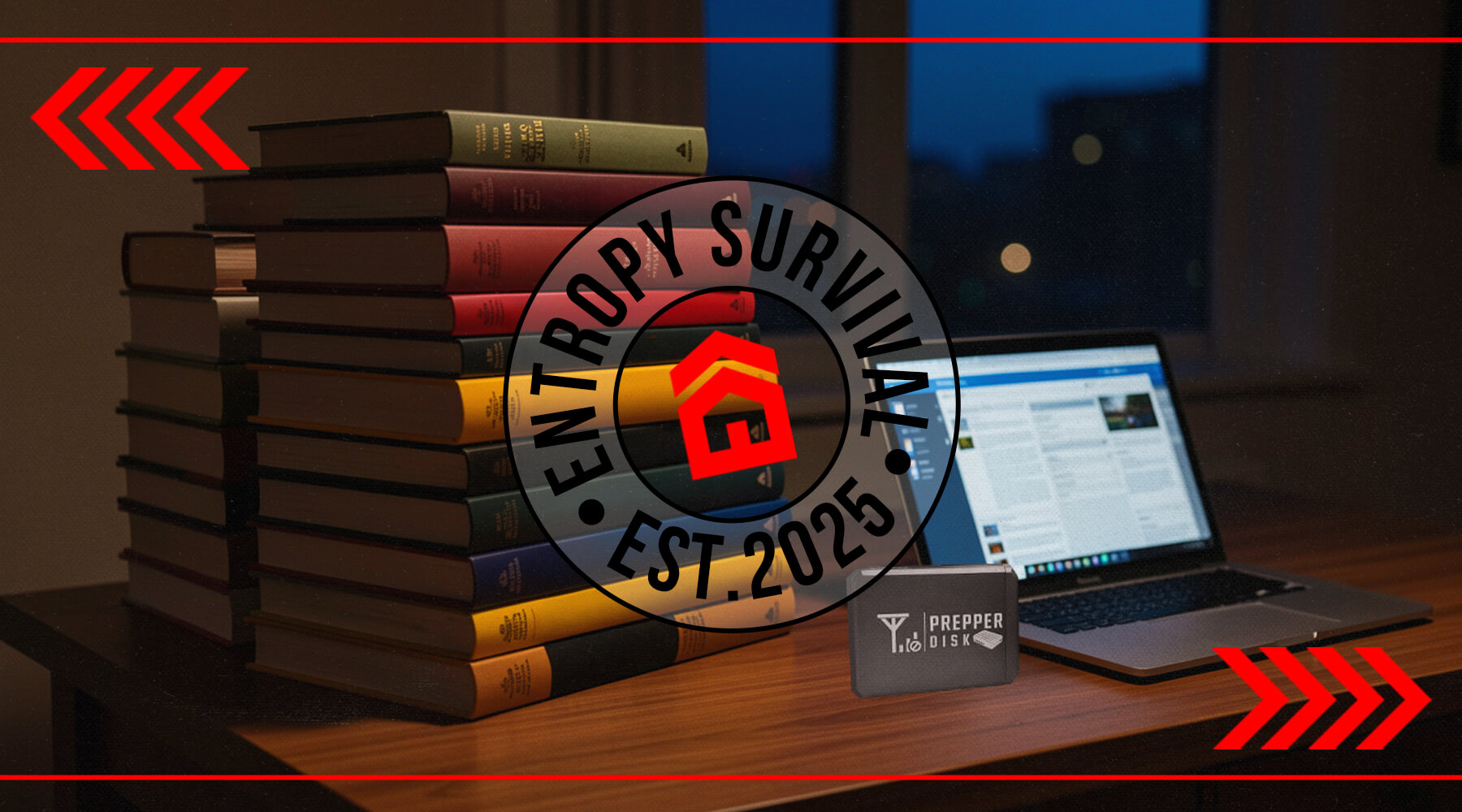
Physical Books: The Original Offline Storage
Before we had portable computers, we had portable libraries. Physical books remain the gold standard for reliability. No power required, no data corruption possible, and they work in any environmental condition. Drop a book in a river, dry it out, and you can still read it.
The limitation is obvious: space and weight. A single encyclopedia set weighs over 100 pounds and occupies several feet of shelf space. That same information on a prepper disk weighs ounces and fits in your pocket. For comprehensive information coverage, you'd need dozens of specialized books covering medical care, automotive repair, wild edibles, water treatment, and so on.
Search functionality creates another critical difference. Finding specific information in a physical book requires an index and page flipping. On a prepper disk, you search for "brown recluse bite treatment" and get results in seconds. When someone's injured and time matters, that search speed can be life-saving.
The best approach? Use both. Keep essential references in physical form: a good medical guide, regional plant identification, and core survival manuals. Use the prepper disk for comprehensive coverage and quick reference. They complement each other rather than compete.
DIY Solutions: Kiwix and Raspberry Pi Projects
Tech-savvy preparedness enthusiasts often ask about building their own systems. The Kiwix app provides a legitimate free alternative. It puts Wikipedia and other offline content directly on existing smartphones or tablets. You download the content files you want (Wikipedia, WikiMed, etc.) while you have internet, then access them offline through the Kiwix app.
This works well if you're comfortable with technical setup and have devices you're willing to dedicate to the purpose. The limitations include storage capacity on phones (Wikipedia alone is 50-100GB depending on image quality), battery life concerns, and lack of the multi-user hotspot capability.
Building your own Raspberry Pi-based system is entirely possible. Purchase a Raspberry Pi 4B ($35-45), a large SD card ($30-60), a case ($10-20), and download free content from Kiwix repositories. Total cost runs $75-125 versus $180-240 for commercial prepper disks. The trade-off is time investment (expect 4-8 hours researching, downloading, configuring) and the learning curve for Linux systems and web server setup.
Commercial prepper disks offer curated content collections, professional interfaces, tested reliability, and support. You're paying for the convenience of a turnkey solution that works immediately. DIY solutions cost less but require technical competence and time investment. Choose based on your skill level and whether you value your time or money more.
When You Don't Need a Prepper Disk
Honesty matters in preparedness planning. You might not need a prepper disk if:
You have reliable backup power and internet: If you've invested in a whole-house generator or significant solar power system with battery backup, and your internet service provider has proven reliable during past outages, you may maintain online access during most emergencies. A prepper disk becomes redundant if you're confident in your infrastructure.
Physical books meet your needs: If you've built a comprehensive physical library covering your priority topics, have organized it well, and aren't concerned about weight/space limitations, books might serve you better. They're more rugged, never need power, and many people retain information better from physical reading.
You're comfortable with DIY and have time: If you enjoy technical projects and understand Linux basics, building your own Kiwix server on a Raspberry Pi saves money and gives you complete control over content selection. The capability is identical, you're just handling the assembly yourself.
Budget constraints exist: Emergency preparedness involves prioritizing investments. If $180-240 represents a significant portion of your preparedness budget, that money might be better spent on water filtration, food storage, or medical supplies. A free Kiwix app on your existing phone provides 80% of the functionality at zero cost.
Technical Considerations: Power, Storage, and Longevity
Power Management and Battery Life
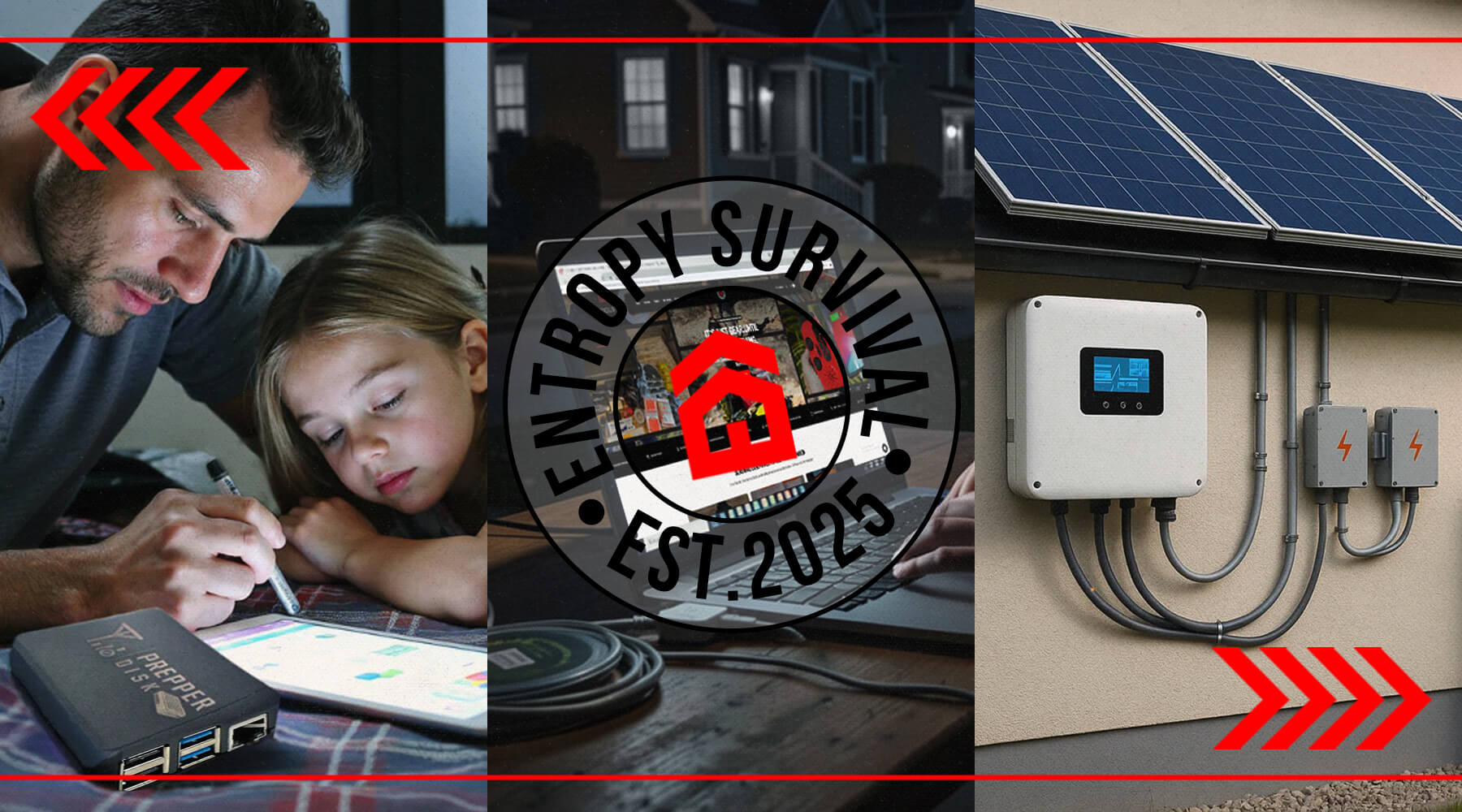
A prepper disk runs on standard USB power, either plugged into a wall outlet via USB adapter or powered by any USB battery bank. Power consumption typically runs around 5-8 watts during operation, meaning a 20,000mAh (72Wh) battery bank provides roughly 10-14 hours of continuous use.
For context, that's enough runtime for a full day of family use during a power outage. Most emergency scenarios involve intermittent rather than continuous use. You power it on when someone needs information, then turn it off to conserve battery. This extends effective runtime to several days on a single charge.
For extended off-grid operation, solar panel systems paired with lithium battery banks enable indefinite operation. A basic 100-watt solar panel easily generates enough power to run a prepper disk continuously during daylight hours while charging batteries for nighttime use. This setup proves particularly valuable for off-grid properties or long-term grid-down scenarios.
The Raspberry Pi platform's low power consumption becomes a key advantage here. Compare it to running a laptop (45-65 watts) or even a tablet (10-15 watts). The efficiency means your backup power goes further, and smaller solar panels suffice for continuous operation.
Data Retention and Storage Concerns
Here's an honest technical limitation that many commercial vendors don't discuss: SD card data retention on unpowered storage presents legitimate long-term concerns. Recent studies indicate that unpowered flash memory can experience data degradation over time, particularly in high-temperature environments.
The practical implications: If you purchase a prepper disk and store it unpowered in a hot attic or vehicle for several years, then attempt to use it during an emergency, you may encounter corrupted data. Flash memory is designed for powered operation with regular access, not long-term archival storage.
Mitigation strategies include:
- Regular power cycling: Boot up your prepper disk every 3-6 months and let it run for an hour. This refreshes the charge in memory cells.
- Climate control: Store in temperature-stable environments (not vehicles or outdoor sheds).
- EMP protection considerations: Some preparedness-minded individuals store prepper disks in Faraday cages or bags. This provides EMP protection but doesn't address data retention, so power cycling remains important.
- Backup copies: Consider multiple storage solutions. A prepper disk for convenience plus critical information in physical books for ultimate reliability.
Commercial prepper disks typically come with one-year warranties and offer update capabilities. Open-source content like Wikipedia and maps can be updated free through the web console. Exclusive or proprietary content may require SD card replacement or paid updates.
Updates and Content Expansion
Technology and information evolve. Medical treatment protocols change, new medications emerge, and Wikipedia adds thousands of articles daily. Your prepper disk's content represents a snapshot from its creation date.
Most commercial units provide update capabilities through a web interface. When you have internet access, you can connect the prepper disk to your network and download updated Wikipedia snapshots, map data, and other open-source content. This process typically takes several hours depending on content size and your internet speed.
For exclusive content (proprietary guides, curated collections, specialized tools), updates may require SD card replacement. The manufacturer provides updated cards periodically, effectively refreshing your entire content library. This also addresses the data retention concerns mentioned earlier by replacing the storage media.
The USB expansion port on most prepper disks allows adding personal content: family documents, property deeds, vehicle titles, medical records, photos, music, and movies. This transforms it from purely emergency reference into a personal offline media and document server. In evacuation scenarios, having critical documents accessible without cloud services proves invaluable.
Pricing, Options, and What You Get
Commercial Prepper Disk Options
Commercial prepper disk products typically come in tiered options based on storage capacity and content:
Premium Model: Usually priced around $239.95 (regular $269.95), includes 512GB of curated content. This represents the full content library with maximum storage for personal additions. You're getting the complete reference set with room to add family documents, photos, and media.
Classic Model: Typically $179.95 (regular $199.95) with 256GB content. This version includes core Wikipedia, maps, and essential guides but may limit some video content or reduce image quality to fit the smaller capacity. For most emergency preparedness needs, this provides comprehensive coverage.
Optional accessories expand functionality:
- Faraday EMP protection bags: Shield the device from electromagnetic pulses (theoretical threat, practical peace of mind)
- Portable battery banks: Dedicated power sources ensuring runtime without draining phone batteries
- Ruggedized cases: Additional physical protection for extreme environments
What's the actual value? If you purchased a Raspberry Pi ($45), quality SD card ($60), case ($15), and invested 6-8 hours researching content sources, downloading files (Wikipedia alone is 50-100GB), and configuring the system, you'd approach $120-150 in components plus significant time. The commercial product adds professional curation, tested interfaces, support, and convenience.
Software-Only and DIY Alternatives
For Raspberry Pi owners, some vendors offer pre-loaded SD cards ($80-120) that plug directly into your existing hardware. This splits the difference between full DIY and complete turnkey solutions. You handle the hardware, they provide configured software.
The Kiwix Hotspot represents another commercial alternative, a physical device similar to prepper disks but focused specifically on Wikipedia and Kiwix content library. Pricing runs competitive with DIY builds.
For budget-conscious preparedness, the free Kiwix app on existing smartphones costs nothing. You're limited by phone storage capacity and battery life, but it provides core offline Wikipedia access immediately. This serves as an excellent starting point while you evaluate whether more comprehensive solutions make sense for your situation.
Conclusion: Making the Right Choice for Your Needs
A prepper disk represents a practical solution for maintaining access to critical information when infrastructure fails, whether from natural disasters, off-grid living, or long-term emergencies. With 512GB of curated content including Wikipedia, maps, medical guides, and survival resources, it provides comprehensive offline knowledge in a portable, easy-to-use format.
The technology isn't complicated, but the value proposition is clear. When you can't Google something because cell towers are down or internet is unavailable, you need another way to access information. That medical database that walks you through treating injuries, those repair guides that help you fix critical equipment, those maps that enable navigation without GPS, they're worthless stored in the cloud when the cloud becomes unreachable.
While alternatives like physical books and DIY solutions have their place, a prepper disk offers unique advantages in searchability, space efficiency, and breadth of content. Physical books never need power and can't experience data corruption, they belong in your preparedness plan. But carrying comprehensive information across dozens of specialized topics requires digital storage.
The key is understanding your specific needs. If you're building a comprehensive preparedness plan, spend time in remote locations beyond cell coverage, or want reliable backup information access independent of infrastructure, a prepper disk represents a worthwhile investment. The $180-240 cost equals a couple months of streaming service subscriptions, but it works indefinitely without recurring fees and functions when streaming services don't.
Combined with physical books covering your highest-priority topics and practical skills training that builds actual capability, a prepper disk creates a robust information redundancy system. It's not about having every answer. It's about having access to answers when conventional access fails.
Next steps: Evaluate your current information backup strategy honestly. During the last power outage or when you were last beyond cell coverage, could you have accessed medical references, repair guides, or navigation maps offline? Consider whether a commercial prepper disk, DIY solution, or enhanced physical library best fits your preparedness goals, technical comfort level, and budget.
Whatever you choose, test it regularly. Boot it up, practice accessing information, ensure your family knows where it's stored and how to use it. Equipment you've never tested isn't preparedness, it's optimistic purchasing. The best emergency system is the one you understand before you need it.
Information access during emergencies isn't theoretical. It's practical capability that can mean the difference between managing a crisis and being overwhelmed by it. Make sure your preparedness plan includes reliable offline access to the knowledge you might need when infrastructure fails.